Home
- GITA 2 -
Jacquelin Ng
In GITA 2, we are learning how to use HTML, CSS, and Javascript. Click on the images to visit the project!
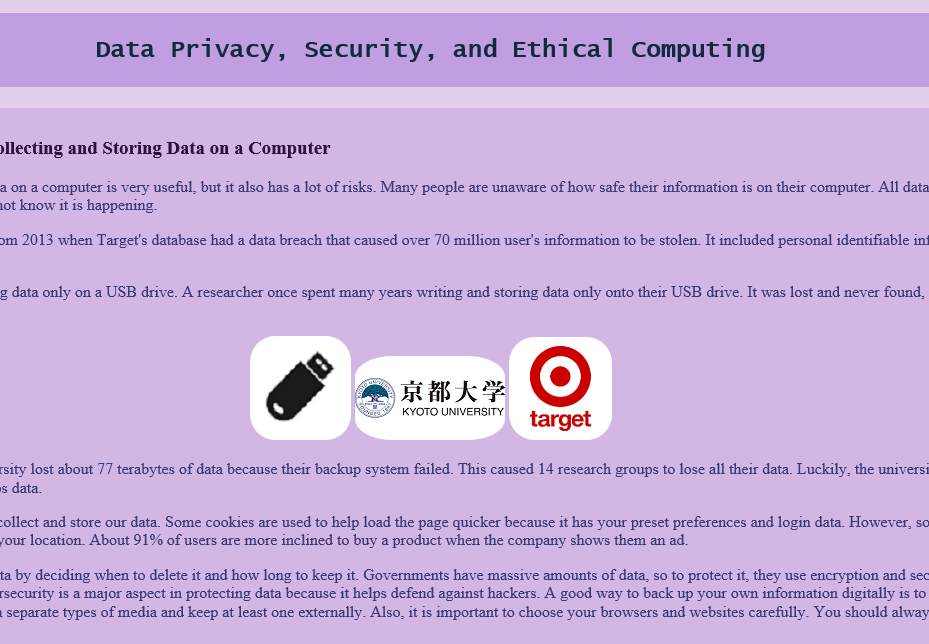
Research Project: 8/25/25I used the basics of HTML and CSS to design a simple website that shares information about computer safety.
Business Card: 9/2/25In this project, I created a business card that displays my information and the school's information.
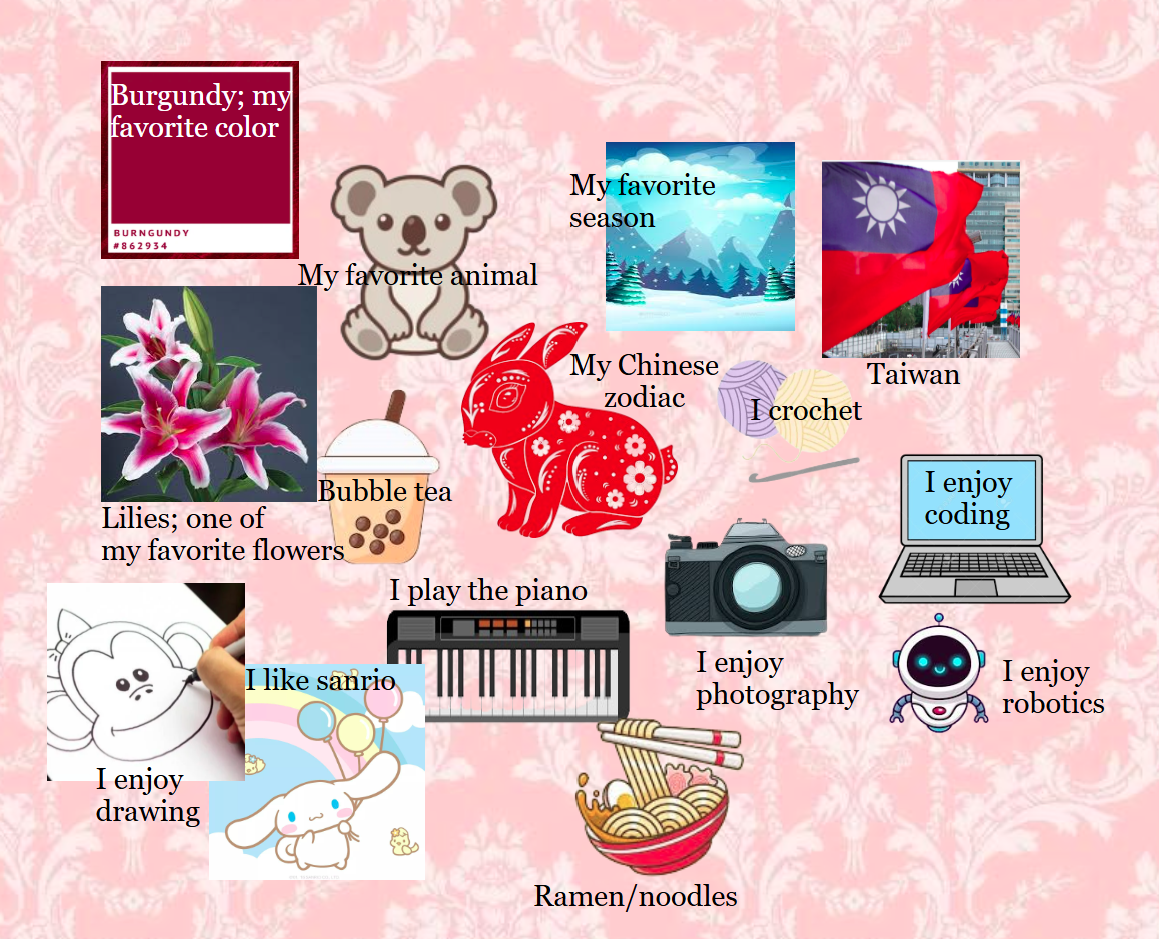
Collage: 9/5/25In this project, I made a simple collage using relative and absolute positioning.
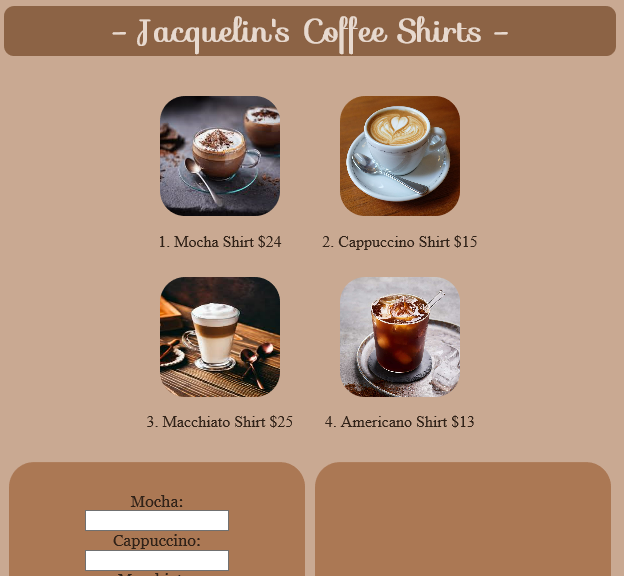
Merchandise Store: 9/11/25In this project, I used buttons and labels to output a user's information and receipt.
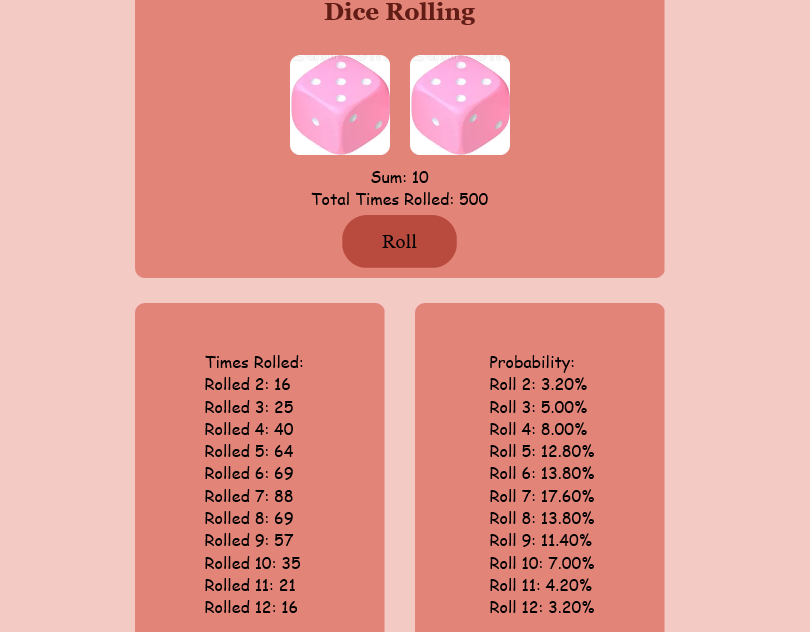
Dice: 9/16/25I randomly generated two dice and showed the outcome using math.
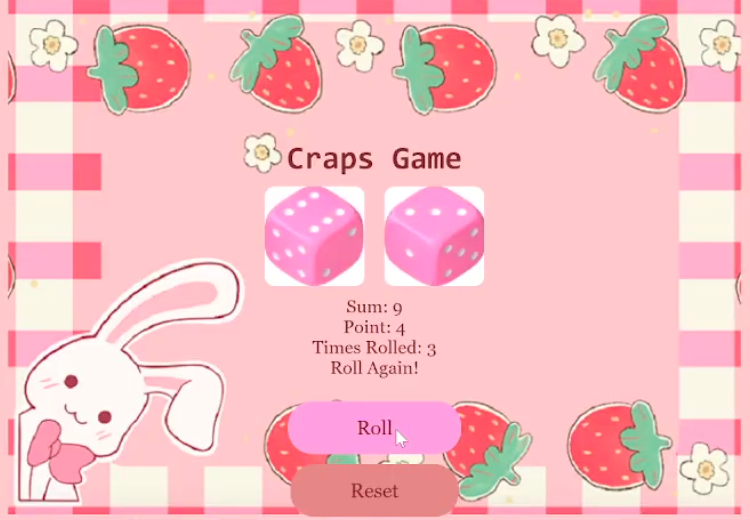
Craps Game: 9/19/25In this project, I used my previous dice game to make a craps games with win and lose conditions.
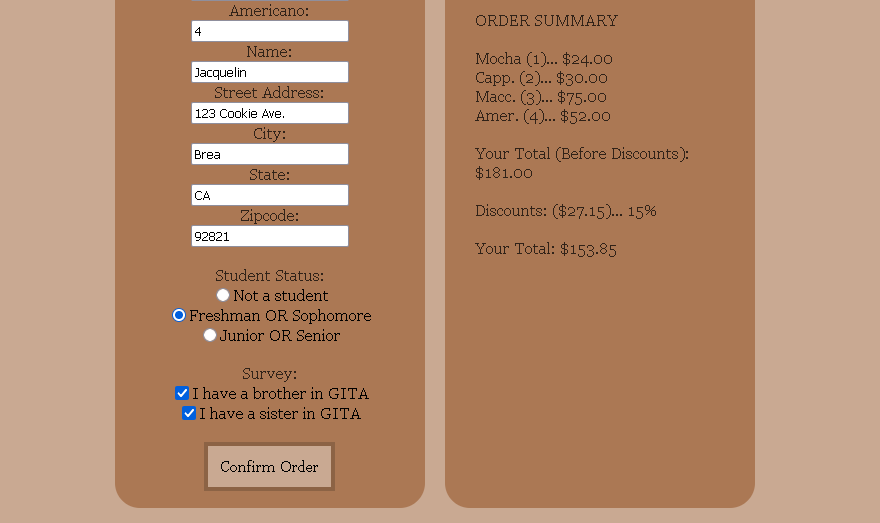
Merchandise Store Upgrade: 9/24/25I used my original merchandise store and created a survey along with a discount feature.
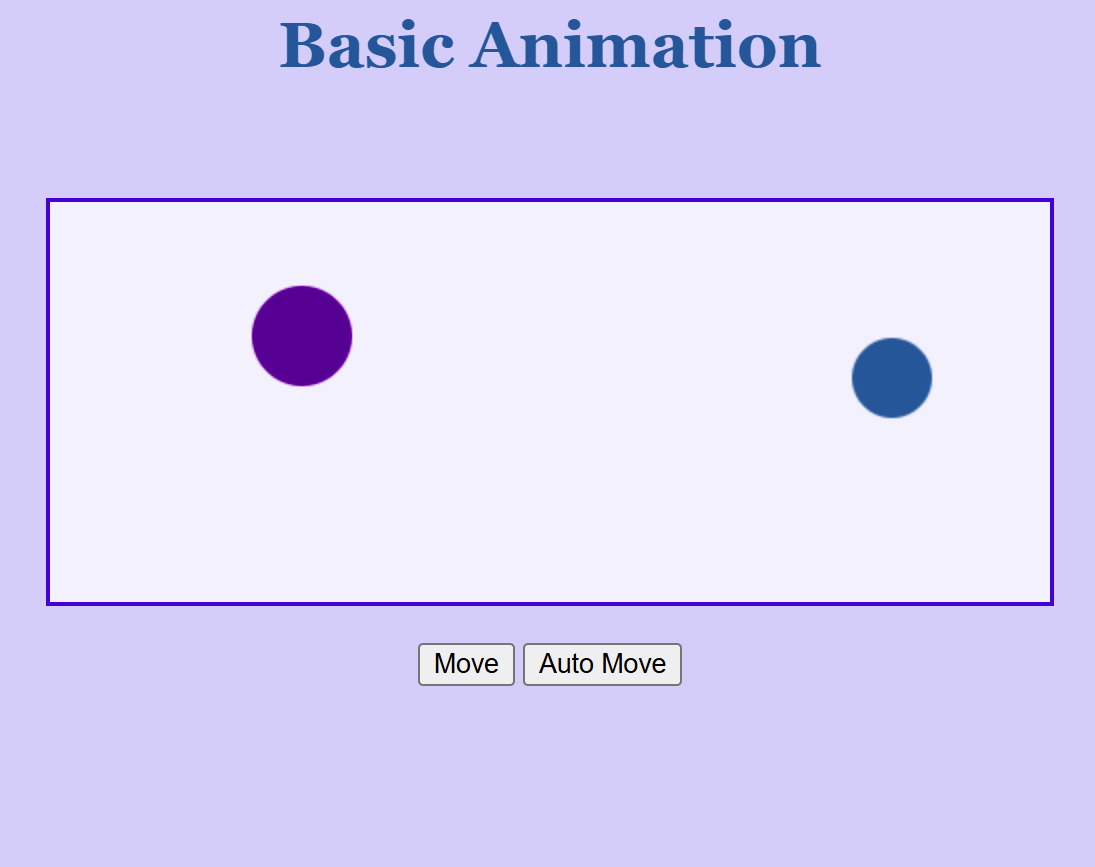
Circle Bounce: 10/1/25I used a canvas and two circles that bounce diagonally across the screen.
Portfolio: 10/2/25I created my GITA 2 webpage and the home page for my portofolio. I designed a lot in this project.
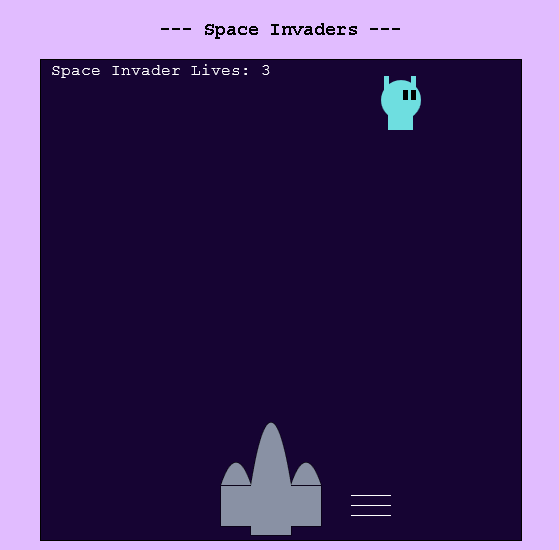
Space Invaders: 10/13/25I used a canvas and simple shapes to draw characters. The user can shoot the invader 3 times to win.
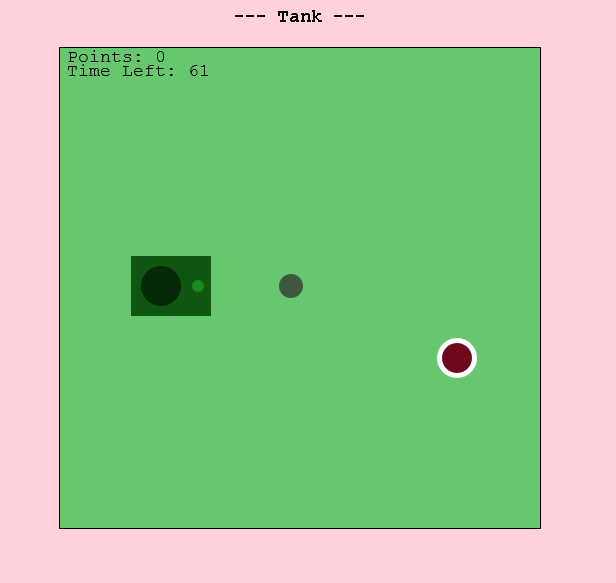
Tank: 10/21/25Use arrows keys to move and press space to shoot the target to win points!
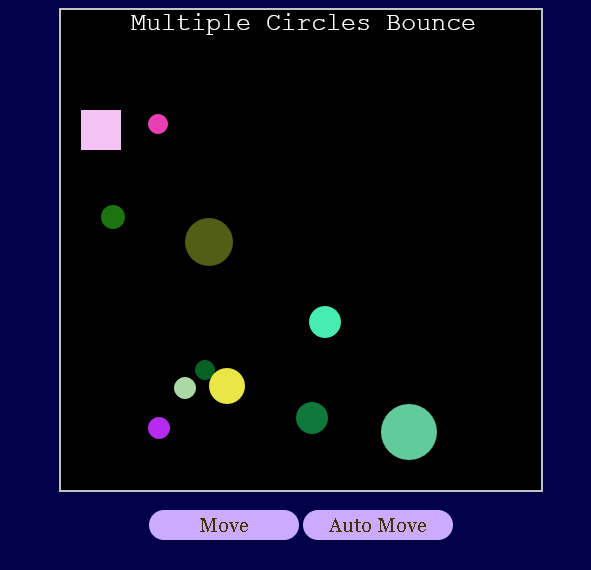
Multiple Circle Bounce: 10/24/25In this project, there are 10 circles and the rectangle will change the circle's color if they are near.
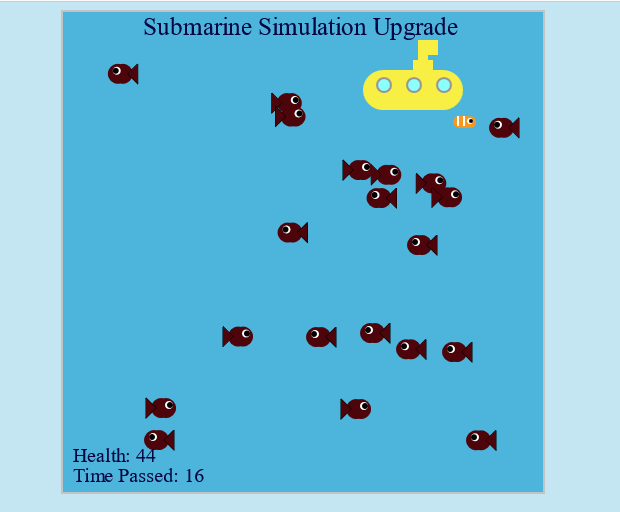
Submarine Simulator: 11/3/25Use the submarine (arrow keys/WASD) to protect the small fish! When the health runs out, the game ends!
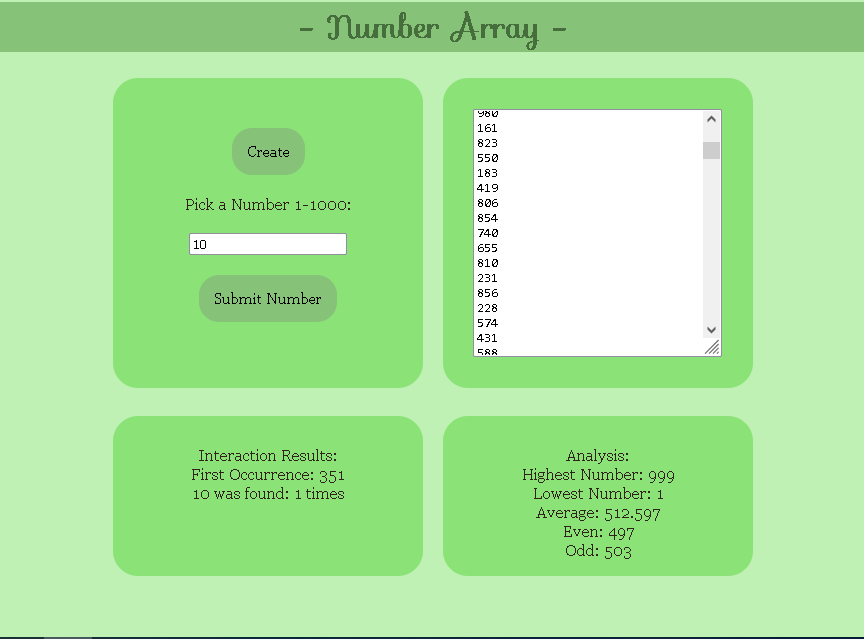
Number Array: 11/17/25This creates an array of 5000 numbers and allows the user to input a number to search for it.
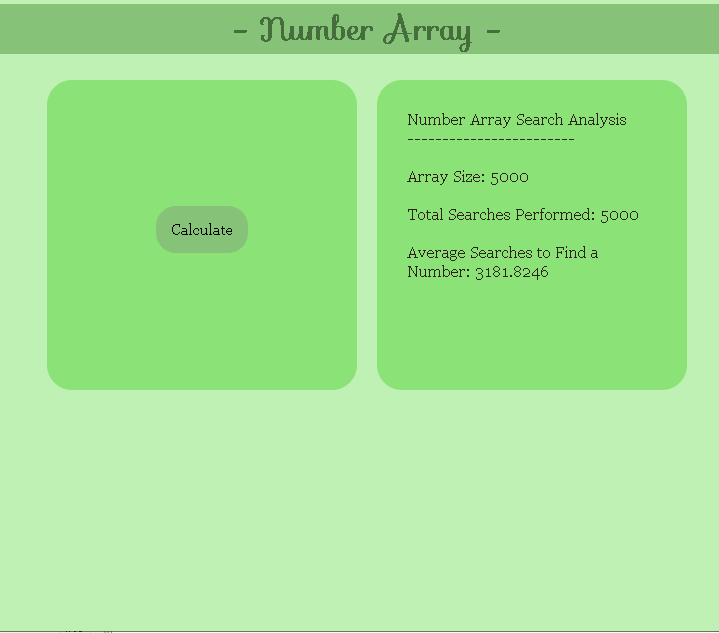
Number Array Upgrade 1: 11/21/25This creates an array of 5000 numbers and randomizes a target number. It is repeated 5000 times to find an average.
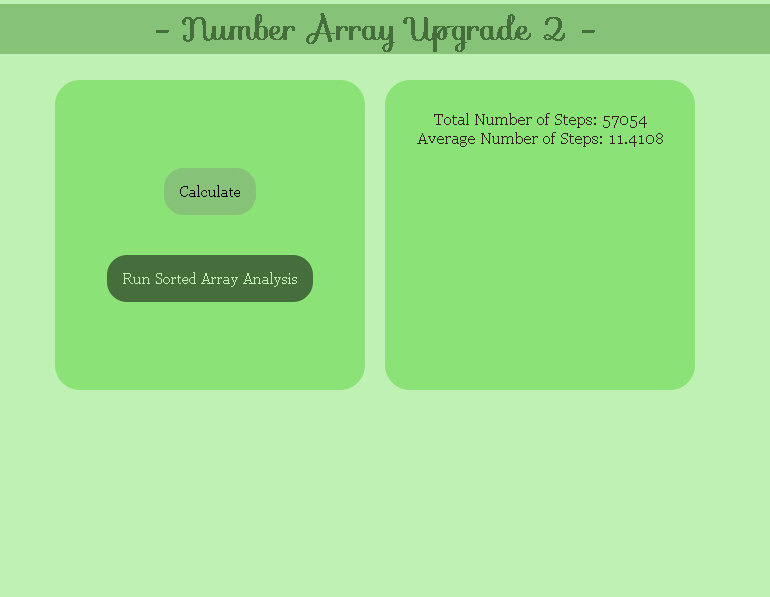
Number Array Upgrade 2: 12/4/25This uses a binary search algorithm to make searching for a number faster.
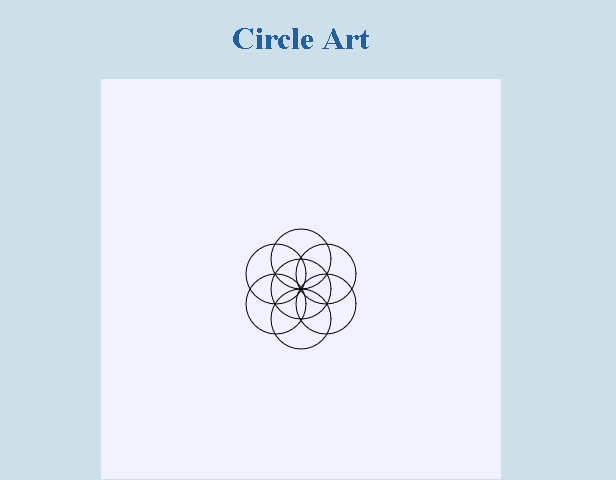
Circle Art: 12/17/25This project creates circle art and then breaks away the individual circles.
Scream Project: 1/6/26Press "m" to create a screaming image and press "r" to delete it.
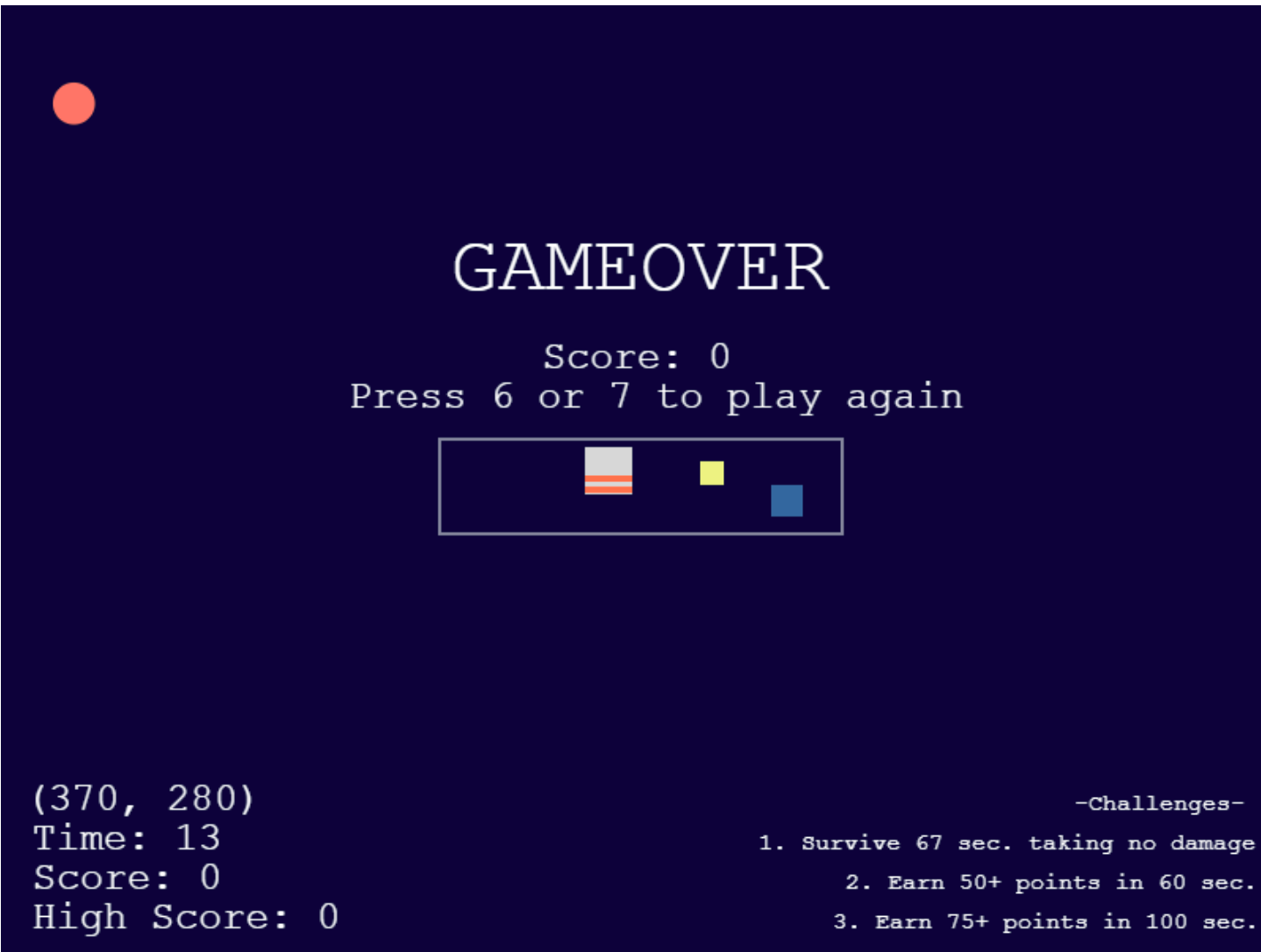
Photons Upgrade: 1/27/26Use WASD or arrow keys to move. Use space key to shoot, based on your position in the box. Try to complete all the challenges!
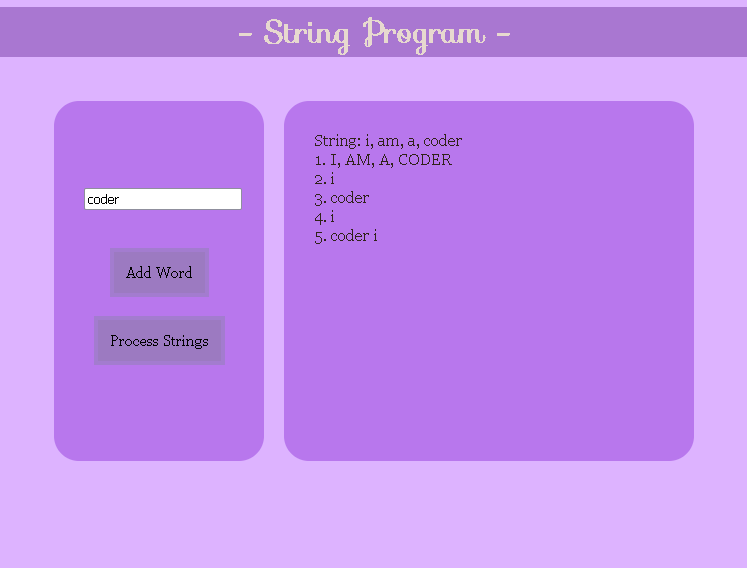
String Program: 2/4/26In this project, the user can enter strings and process them to create 5 different ways to categorize them.
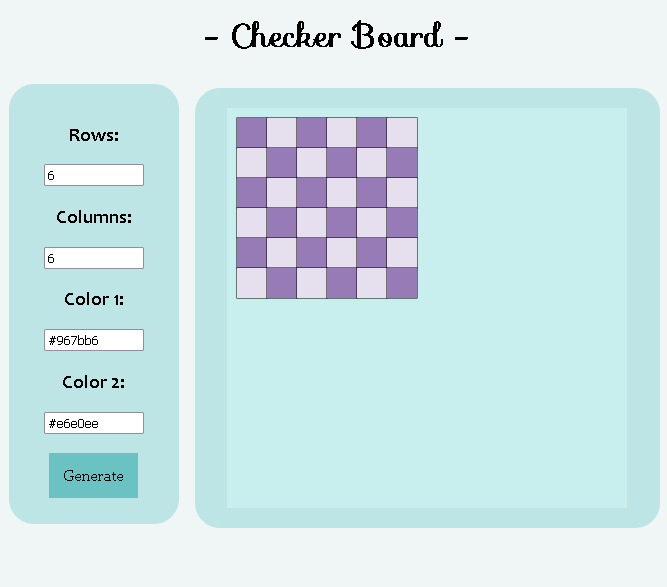
Checker Board: 2/20/26In this project, the user can generate checkerboards with custom colors and sizes. It is automatically black and white.
Internet Research: 3/20/26This website explains the risks of unintended computing consequences, benefits, harms, and unauthorized access.
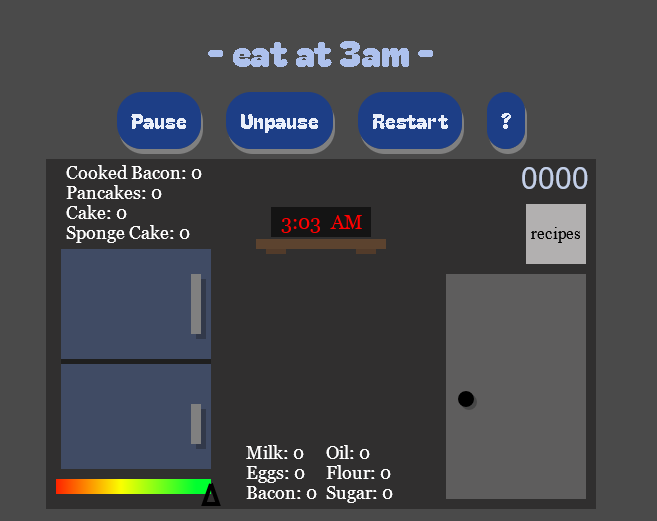
Final Project: 5/28/26Use the instructions in the game to understand how to play!